
BananaDashboard
A cross-platform desktop utility. System overview, live resources, file manager, process manager, startup apps, themes & more.
- · - total downloads · Win / Linux / macOS
Features
All your system tools in one desktop utility. From system info to third-party integrations.
System Overview
OS, kernel, CPU, GPU, RAM, and host info at a glance. Plus a detailed More Info panel with uptime, shell, DE, packages, terminal, battery, swap, and local IP.
Live Resources
Real-time CPU, GPU, RAM, and disk usage with interactive charts. Adjustable refresh rate from 0.5s to 10s. App resource usage too.
Settings Panel
Categorized settings with search. Six accent themes, English/German language toggle, refresh rate controls, and update management.
Discord RPC
Show your current activity and system info directly in your Discord status. Persisted toggle and auto-reconnect.
MCToolkit
Embedded webview for MCToolkit. Minecraft server tools and utilities right from the dashboard.
MCServerHost
Embedded webviews for MCServerHost, MCSH Tools, and MCSH Status. Manage your game servers without leaving the app.
Website Statistics
Quick access to your Google Analytics dashboard right from the app.
Network
View network interfaces, IP addresses, active connections, and usage statistics.
Battery
Monitor battery status, charge level, estimated time, and power usage.
Process Manager
View and manage running processes with CPU and memory usage per process. Coming in a future update.
Startup Apps
Manage applications and services that start when your system boots. Coming in a future update.
File Manager
Browse, upload, and manage files directly from the dashboard. SFTP support coming in a future update.
Screenshots
See BananaDashboard in action.
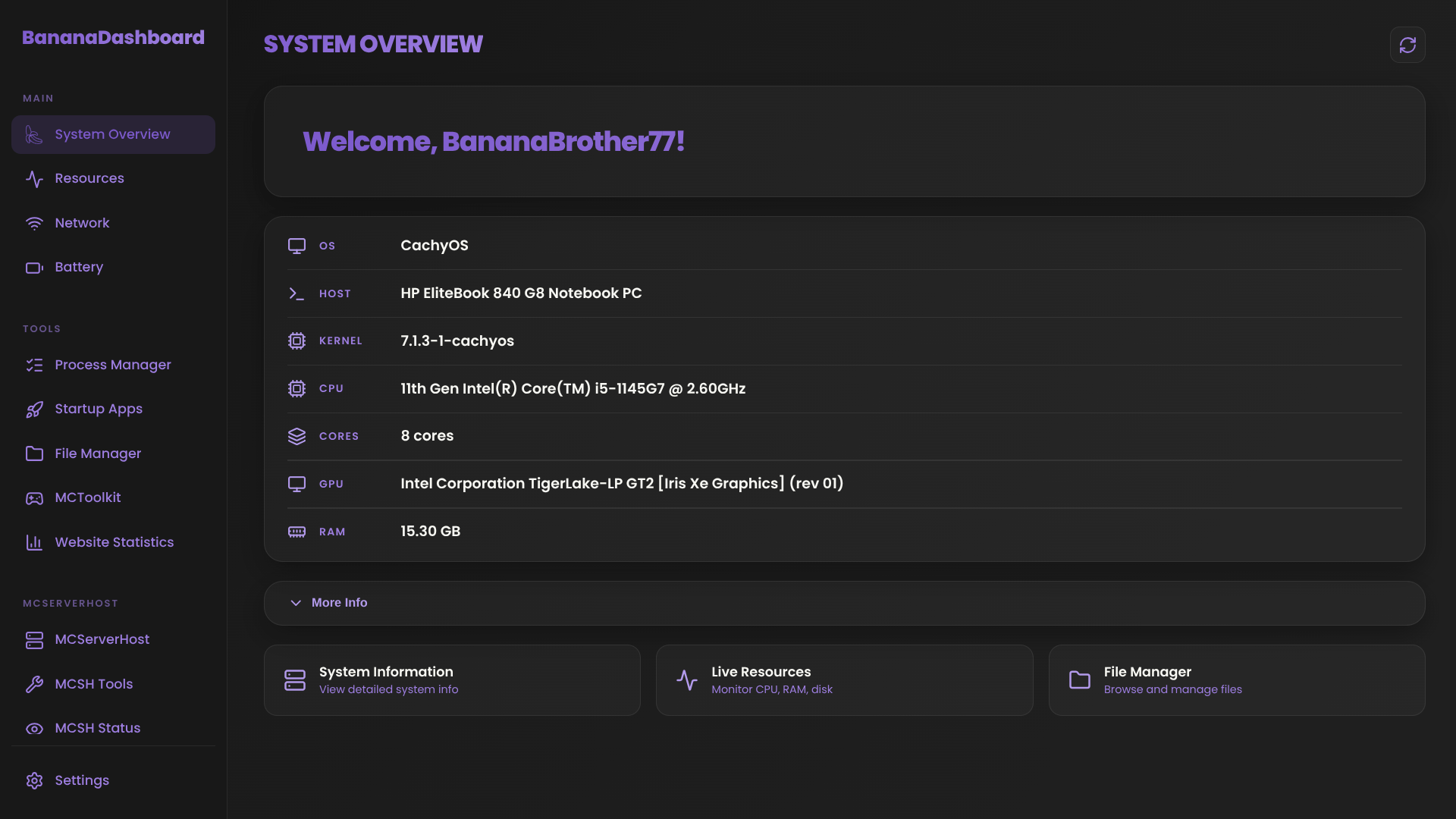 Overview Tab
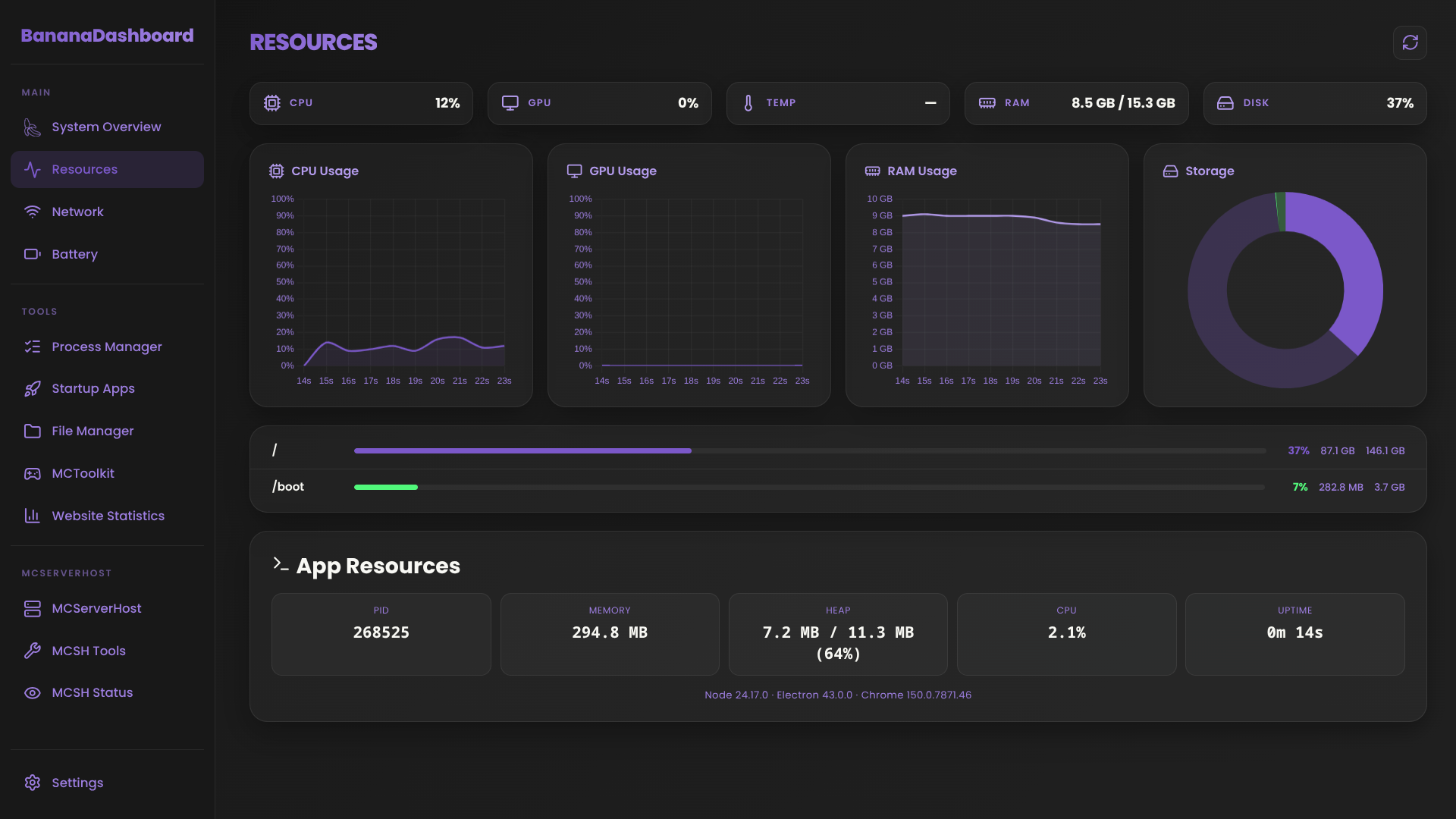 Resources Tab
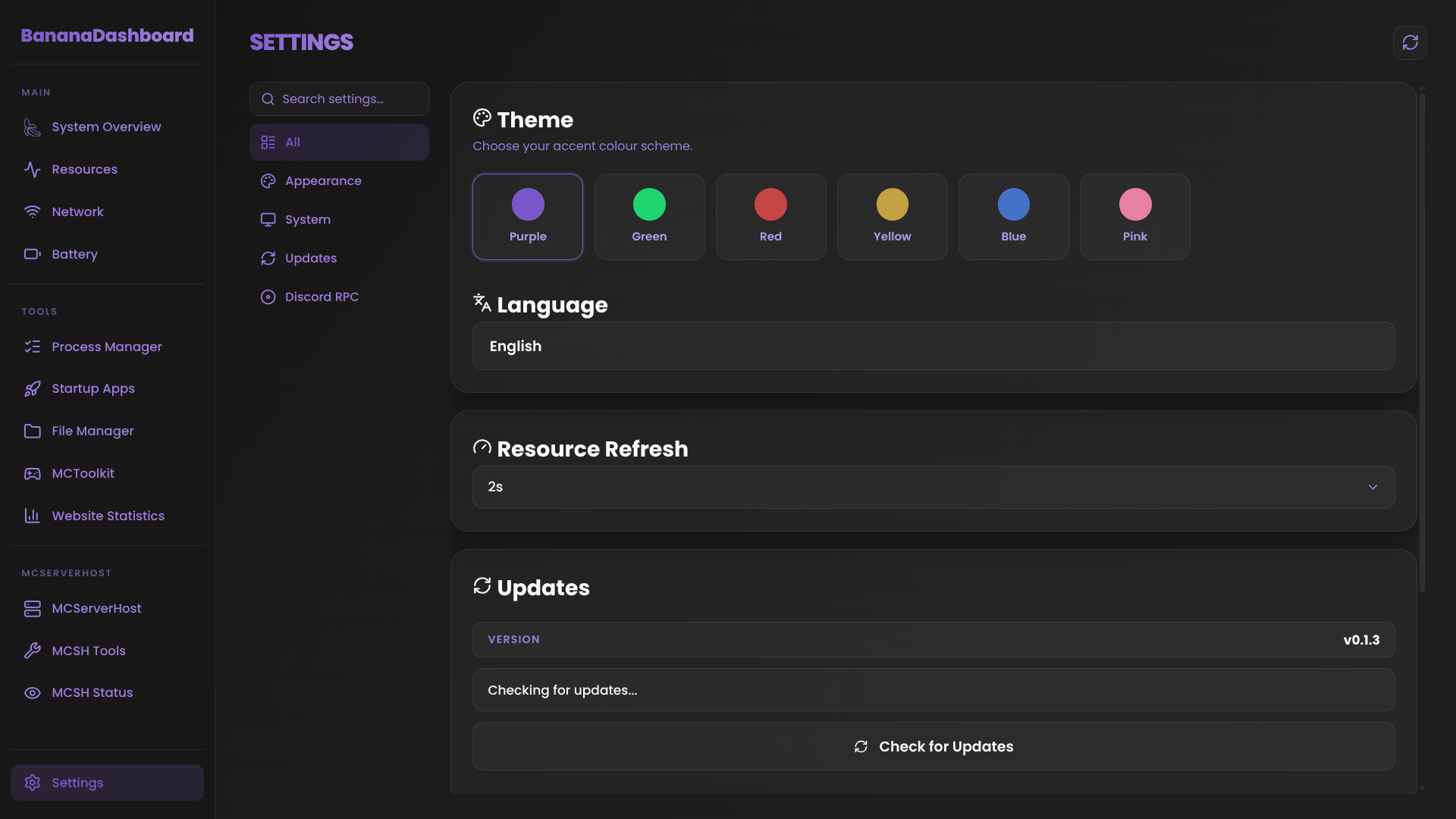 Settings Tab
Download
BananaDashboard is available for Windows, Linux, and macOS. Grab the latest release for your platform.